SPACE out
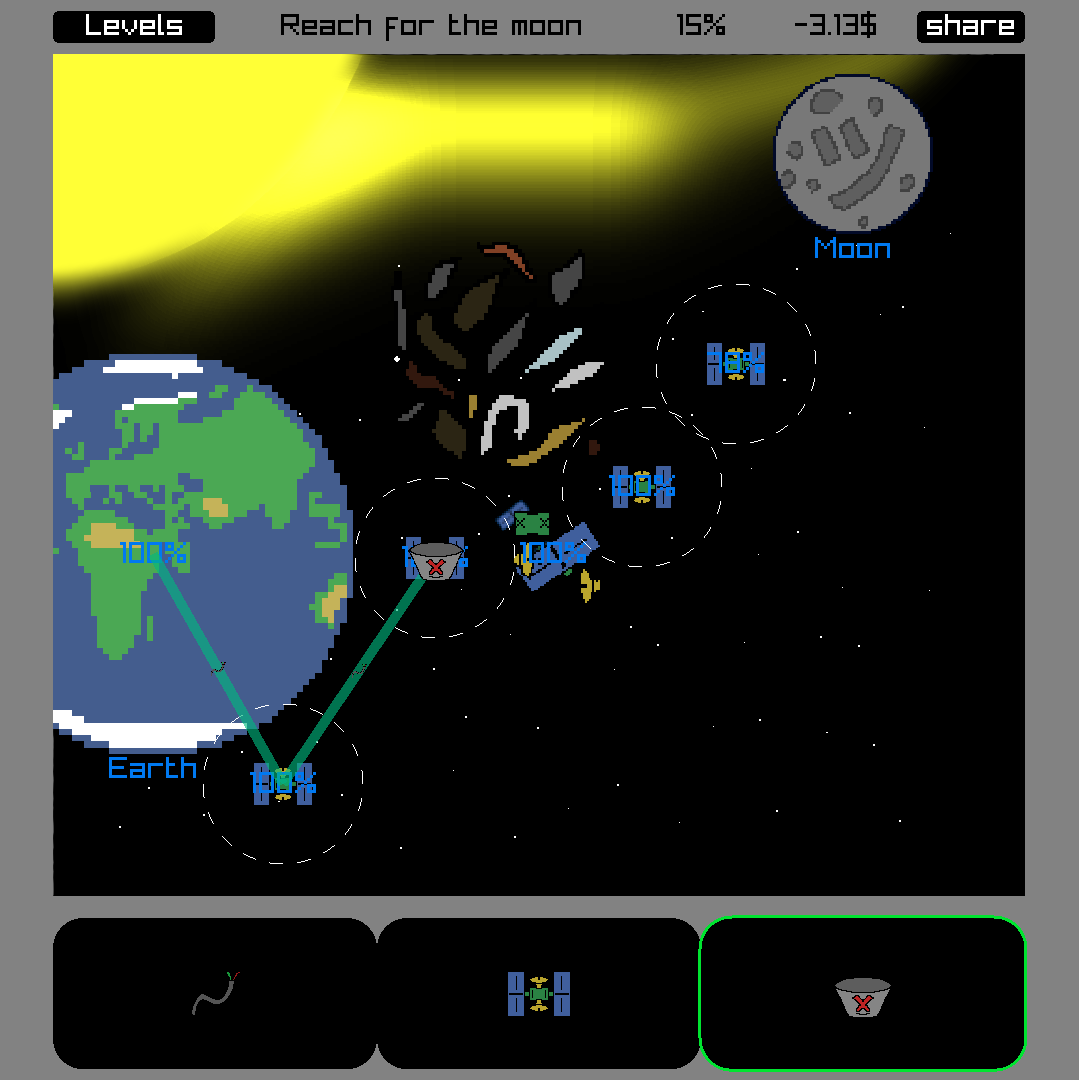
You work in an IPS or something and you have to connect different objects in space.
Use Wires to guarantee great connection, but be wary- they get very expensive on long distances!
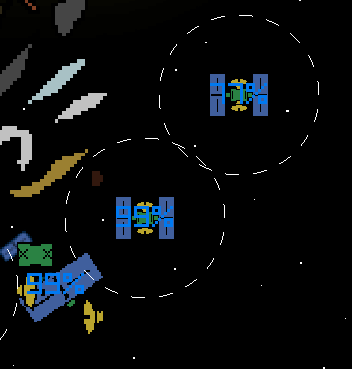
Use satellites to install network that just works. They always cost 10$, even in RAMmaggedon.
You can share results with others or build your own levels (although level building is very clunky)
Had to rush last day, especially building for web, for some reason on itch all the assets just didn't work, so I had to embed them, lol.
Credits:
Music
Lunar shop (Trevor Lentz, Cleyton Kauffman, Migfus & FrancisLeeMusic)
Author: glitchart
License: CC-BY 4.0
Images drawn by me. Some of them are from my old games:
Man3 (actually a snail) from 'Don't Knock Off'
Kega from 'swiss_army_bag'
Anatomically_Inaccurate_Skeleton from 'see_no_evil'
Mach1ne from 'brok_n-wor_d'
Angelus from 'hex a merger
Job_Application from 'job application the game'
Level language
LEVEL {title} {budget} {sprite}
sets level parameters
example:
LEVEL Lone_Twins 50 Stellar_Space
[start|end] named {name} {pos_x} {pos_y} {radius}
places a new named object that can be connected to. Specifying start or end before it will make it starting/ending object
example:
start named Earth 400 400 200
unnamed {sprite} {pos_x} {pos_y} {radius}
same as named, but does not show the name.
example:
unnamed Earth 400 400 200
hazard {sprite} {pos_x} {pos_y} {radius}
pllaces a new unnamed object that can NOT be connected to
example:
hazard Junk 550 505 30
sat {pos_x} {pos_y}
places a new sattelite (just like player's)
wire {target1} {target2}
places a new wire (just like player's) NOTE: target is index of target object. To avoid counting manually boot up your level, place wire yourself and share the level, then edit player placed to be level defined.
PLAYER_MOVES
Starts definition of player moves. You can define pre-placed PLAYER sattelites that they can REMOVE like this.
To create your own levels I would recommend looking at `src/asset_bank.h` in source repo, it has list of all available sprites e.g:
T(Eridani, "assets/sprites/obj/eridani.png") \
means you can use Eridani as sprite name or named object name (it will be sprite name for that object too)source:

Comments
Log in with itch.io to leave a comment.
I got 100% on the tutorial level! really fun game.